Citations checked against 42 CFR Part 493 on 11 November 2026Independent publisher. Not affiliated with CMS, CDC or any accreditation organization.
CLIA Templates

Editable CLIA policies, forms and trackers, from $29

Walk into your next survey calm.

Ready-to-sign policies, forms and trackers for competency, proficiency testing, IQCP, quality assessment and survey preparation. Every document comes in Word or Excel and as a fillable PDF, cited to its paragraph in 42 CFR Part 493 and checked again every month.

  • Checked 11 November 2026
  • Fillable PDF included
  • Instant download
  • 14-day refund
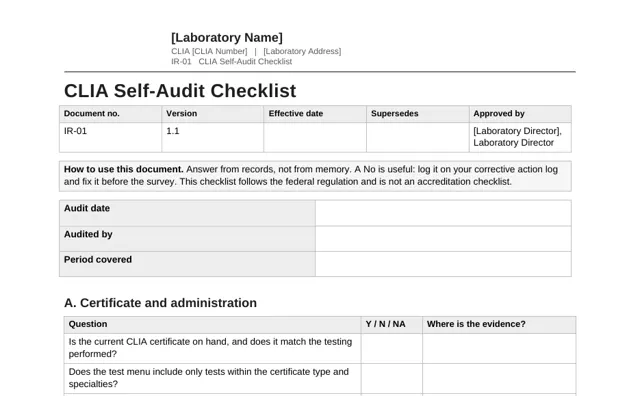
Survey binder In order
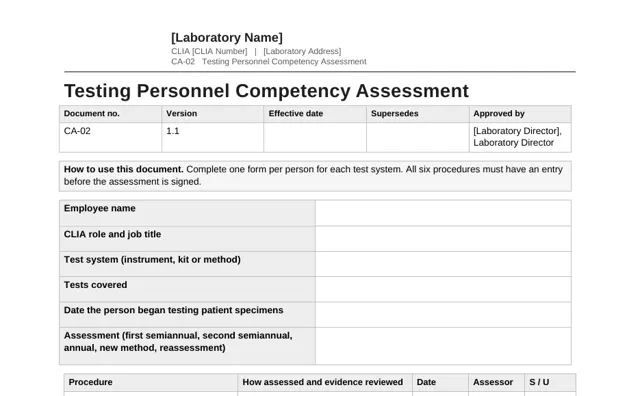
  • Competency assessments currentCA-02
  • PT attestations signedPT-02
  • IQCP approved by the directorIQ-06
  • Monthly QA reviews on fileQA-02
  • Binder index filled inIR-02

An example of what the kits help you keep on file.

Cited to the paragraphEvery requirement names its CFR section.

Checked every monthA dated log anyone can read.

Your logo in one clickPersonalize the whole kit in your browser.

Fillable PDF includedType into every blank, in any PDF reader.

How it works

Three steps from download to signed

1

Pick the kit for your gap

Start with the area that worries you most, or take the complete library and cover everything at once.

2

Make it yours

Add your name, CLIA number and logo across every file with the Personalize tool, then adjust the wording to your test menu.

3

Review and sign

Your laboratory director reviews and approves each document. File it, and the binder is in order.

Two formats in every kit

Edit it, or simply fill it in

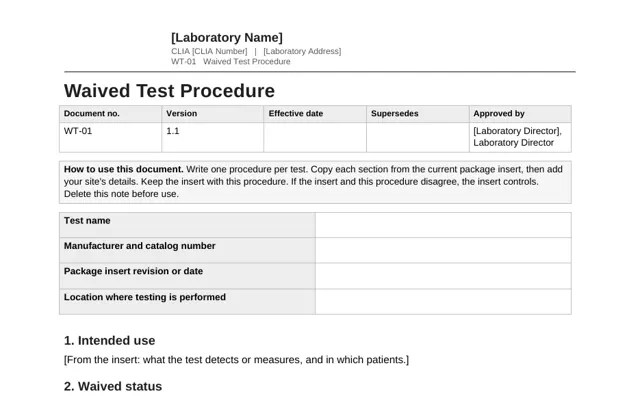
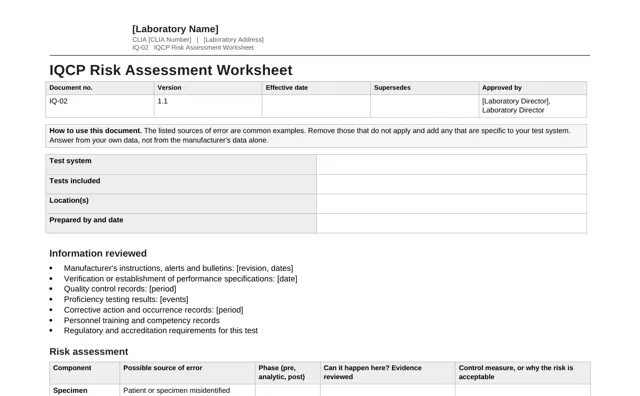
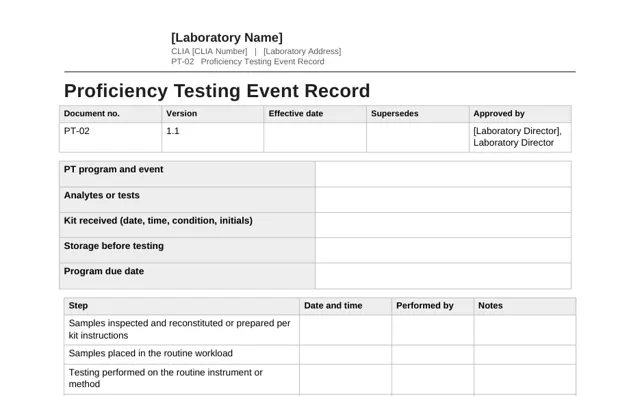
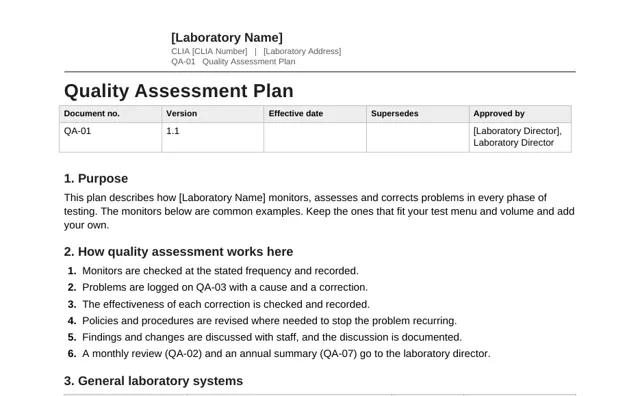
Every document comes twice, at no extra cost. Same content, same citations, same version number.

Word and Excel

For when you want to make it yours.

  • Change any wording to match your test menu
  • Add your logo and details with the Personalize tool
  • Trackers work out due dates, flags and totals for you
  • Opens in Microsoft Office, Google Docs and LibreOffice

Fillable PDF

For when you just need it done.

  • Type into every blank, form row and log entry
  • Works in Adobe Reader, Chrome, Edge and Preview
  • Fill in on a laptop or tablet, then print or save
  • Nothing to install and no layout to break

Peace of mind

What you can stop worrying about

Is this still current?

Every file shows the date it was last checked against 42 CFR Part 493. The public verification log lists every check and every change.

Where do I start?

Each kit opens with a Start Here guide, and the documents are numbered in the order you will use them.

Will it look like ours?

The Personalize tool puts your laboratory name, CLIA number and logo on every file in one pass, in your browser.

Did I miss something?

Each section names the regulation behind it, so you or a reviewer can check it against the source in minutes.

Your director stays in control

These are templates, written so your laboratory director can review, adapt and approve each one quickly. Nothing is used until they sign it.

CLIA is a federal minimum. Your state, and your accreditation organization if you have one, may require more. We do not promise a survey outcome, and we do not give regulatory or legal advice. Read the full terms.

Free tool

Competency due-date calculator

Enter the date a person began testing patient specimens. The calculator returns the two first-year assessment dates and the annual dates that follow. It runs in your browser and stores nothing.

Open the calculator
Example
Began testing
15 Jan 2026
First
by 15 Jul 2026
Second
by 15 Jan 2027
Annual
by 15 Jan 2028

Stay informed

Regulatory updates

Changes to the federal rules, in plain language. See all updates.

Forms

Revised CLIA application, Form CMS-116, now required

CMS revised the CLIA application form and set November 9, 2026 as the date from which the new version must be used. Laboratories applying for a certificate, or reporting a change that needs a new application, should download the current form before filling it in.

Proposed rule

CMS and CDC propose changes to personnel, proficiency testing and remote review rules

The proposal would loosen several laboratory director qualification and site-visit requirements, allow remote review of digital data under the testing laboratory's certificate, remove the six-month wait for reinstatement after certain proficiency testing failures, and require the CLIA number on test reports. It is not final. Comments are due December 7, 2026. Read our explainer.

Request for information

CMS and CDC ask how the CLIA regulations should be updated

The agencies asked for public input on a wide list of topics, including remote observation for competency assessment, calibration verification for factory-calibrated instruments, software and AI used in interpretation, specimen preparation staff, cybersecurity and whether data-only sites need a certificate. The comment period closed September 14, 2026. A request for information changes no requirements, but it shows where future rules may go.

Questions

Good to know

Will a surveyor accept these documents?

Surveyors assess whether your laboratory meets the requirement. They do not approve templates. The kits give you structure and citations. Your signed policies, your records and your daily practice are what get surveyed.

We are accredited by CAP, COLA or The Joint Commission. Do the kits still apply?

The kits are written to the federal CLIA regulation. Accreditation checklists include items beyond CLIA, so compare each document with your organization's current checklist before you adopt it.

Our site only does waived testing. What do we need?

The Waived Testing Kit. CLIA does not require competency assessment for waived testing, and the kit says so. It includes a training and competency checklist because CMS calls it good laboratory practice.

What format are the files?

Every document comes two ways. The Word (.docx) or Excel (.xlsx) version is fully editable and opens in Microsoft Office, Google Docs and Sheets, and LibreOffice. The fillable PDF lets you type into every blank, signature line and log row in any PDF reader, including Adobe Reader, Chrome, Edge and Preview. Use the Word version to change policy wording, and the PDF when you only need to fill in a form. Nothing is locked or password protected.

Can I add our logo and laboratory details?

Yes. The Personalize tool on this site adds your laboratory name, CLIA number, address, director and logo to the header of every file, with an optional accent color. It runs in your browser, so your files are not uploaded. You can also edit everything by hand in Word and Excel.

Can I fill in the PDFs on a tablet or sign them?

Yes, you can type into the fillable PDFs on a computer or tablet in any PDF reader that supports forms, such as Adobe Reader, Chrome, Edge or Preview. Sign on paper after printing, or with your PDF reader's signature tool if your laboratory accepts electronic signatures.

How do I know the files are current?

Each file shows the date it was last checked against 42 CFR Part 493. The verification log on this site lists every check and what changed. Buyers can download revised files for 12 months after purchase.

How many laboratories can use one purchase?

One purchase covers one CLIA certificate. If you manage several certificates, buy one copy for each.

Can I get a refund?

Yes, within 14 days of purchase. Email us with your order number.
Ready when you are

Start with one kit, or put the whole binder in order today.